
Play Senet Online
A public room is for waiting until someone sits down. A private room is for a friend you already have. The host sets Black or White, then shares a link or room code. Whoever joins takes the other colour. Black throws first. After both seats are filled, later visitors can only watch.
Create a room
Pick the room type, then invite a friend with the link or room code.
Public rooms use a shorter code and show up in the lobby while they wait for an opponent. This browser can host only one public room at a time.
Join a room
Paste a friend's link, or type a room code. An open room seats you and starts. A game already underway opens as a spectator.
Leaving does not end the game. The host can come back from My rooms, or close the room. If both players go offline, the room usually stays about 20 minutes. A room code is only for this pairing. It does not store personal information.
Room lobby
My rooms
0Waiting to join
0In play
0Creating a public room…
Assigning a room code. Hang on.
Public room created (reconstructed board)
Send the link or room code. The game starts when they join.
You will play Black and throw first; your opponent plays White. The game still starts this way when they join.
Connection dropped. Reconnecting…
Join a room
We found a room in that link. Connect now, or edit the code first.
Entering the room…
Connecting to room . Hang on.
Connection dropped. Reconnecting…
Your opponent left the room
They disconnected. Go back to the lobby to create or join a room.
Could not connect
That room was not found. The code or link may be wrong, or the room may have closed. Check it and try again.
Play Senet Online
Online Senet rooms
If you already know who you are playing, open a private room and send them the link. If you want a casual match, create a public room and wait in the lobby. Choose Black or White before you sit down. If you disconnect, the same browser can reclaim the seat. Spectators can watch the board, but they cannot throw.
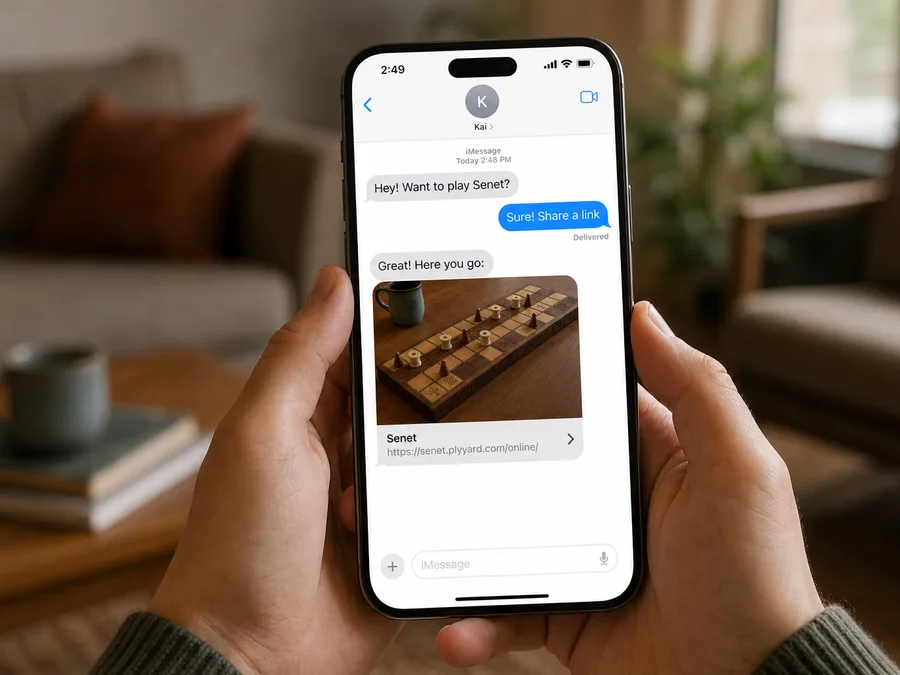
Private link or public lobby
Private rooms do not appear in the lobby list. Public rooms are for picking up a game with whoever is already waiting. When the session is over, the host closes the room and the link stops working.
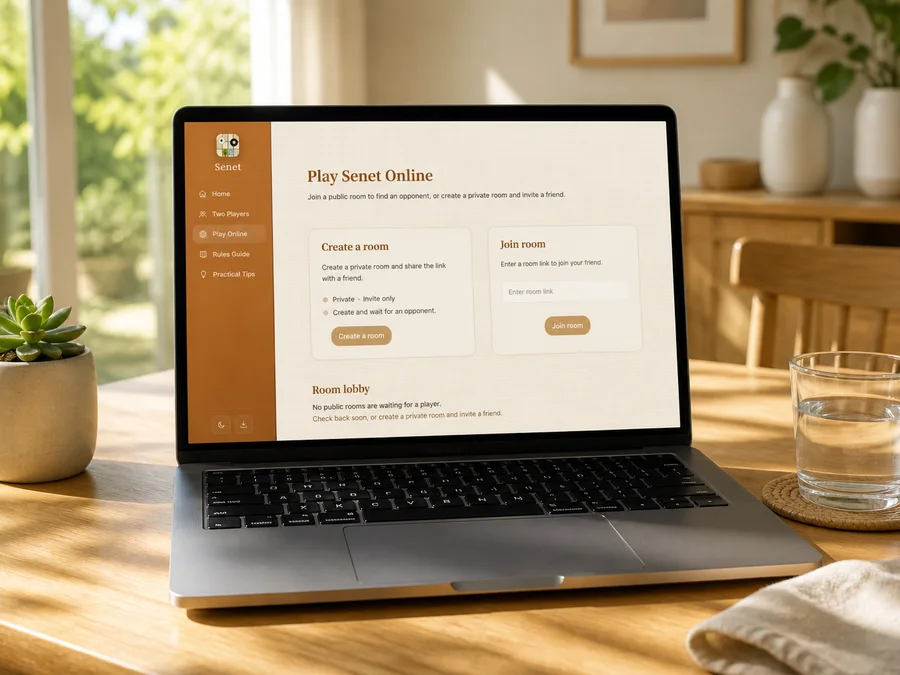
Seats, sides, and spectators
Black throws first. You can switch sides only before the game begins. Spectators see the same board as the players, and any open seat can still be claimed.
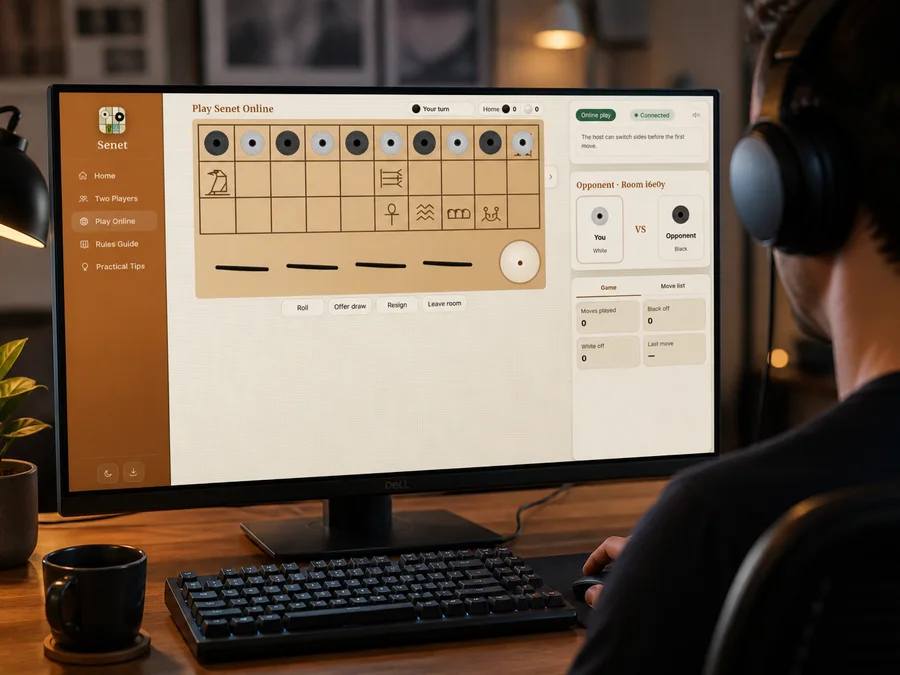
Leave, rejoin, close
Leaving keeps the room around for a while so you can return. Closing it ends the room for everyone immediately. If the tab crashes or closes, open the same link again in this browser to get your seat back.